A call with an international partner often ends with a few things to do: send a quotation, confirm quantities, or review a description. Language is only part of the challenge. Unless both sides agree on who will do what and when, a fluent-sounding conversation can still leave them following different plans.
TrueTranslate has calling and messaging workflows for exchanges across languages. This guide covers preparation, choosing an appropriate call, and writing your own confirmation afterward. The examples are hypothetical, not customer accounts, business commitments, or measured translation results.
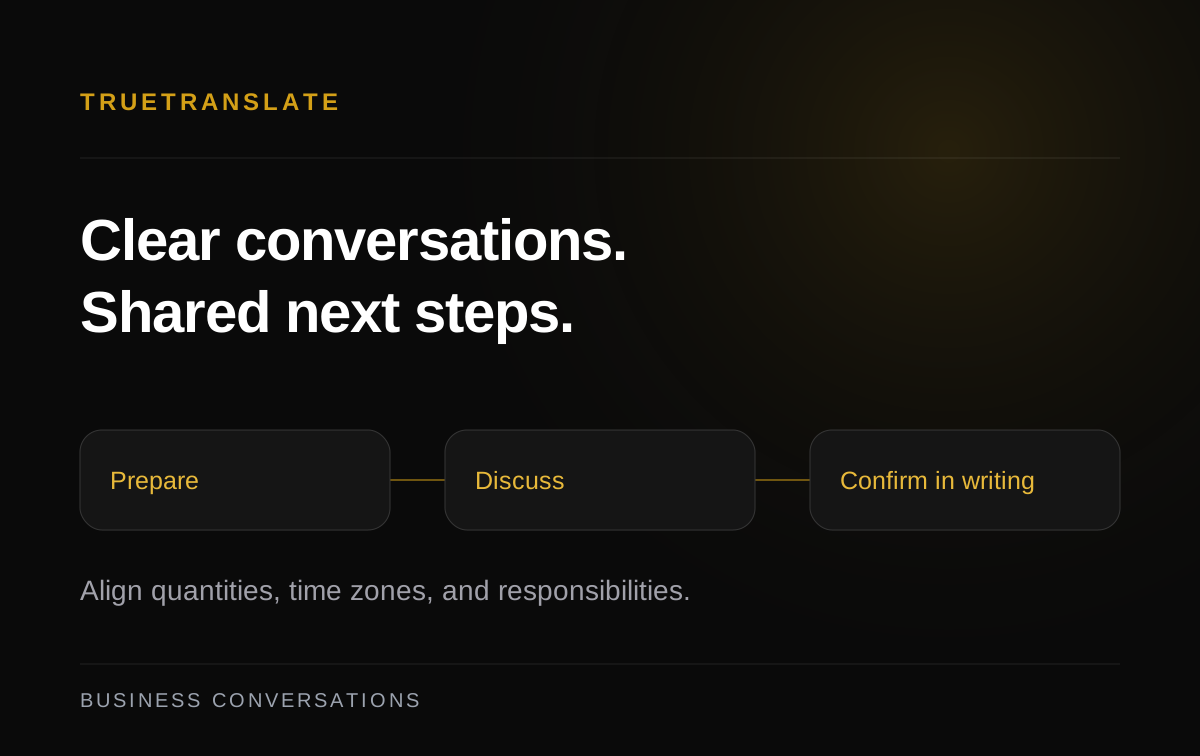
Prepare a brief that is small enough to use
Before calling, write the objective in one sentence: do you need approval, clarification, or a decision about the next step? Put the most important questions in order. Share product names, item codes, or the document to review beforehand, giving the other person a common reference rather than making them reconstruct everything from speech.
Separate what you know from what you are asking. “We expect to need twenty sets” differs from “We have agreed on twenty sets.” Reading a provisional plan as a decision can create confusion even when individual words are translated correctly. State whether you are proposing, asking, or confirming.
Check saved languages, microphone access, and the options actually offered in the app. A short test with the intended device helps prepare audio. The Personal calling guide explains mode conditions; this article concentrates on the work you need to discuss.
Choose a two-person call or a room for up to three
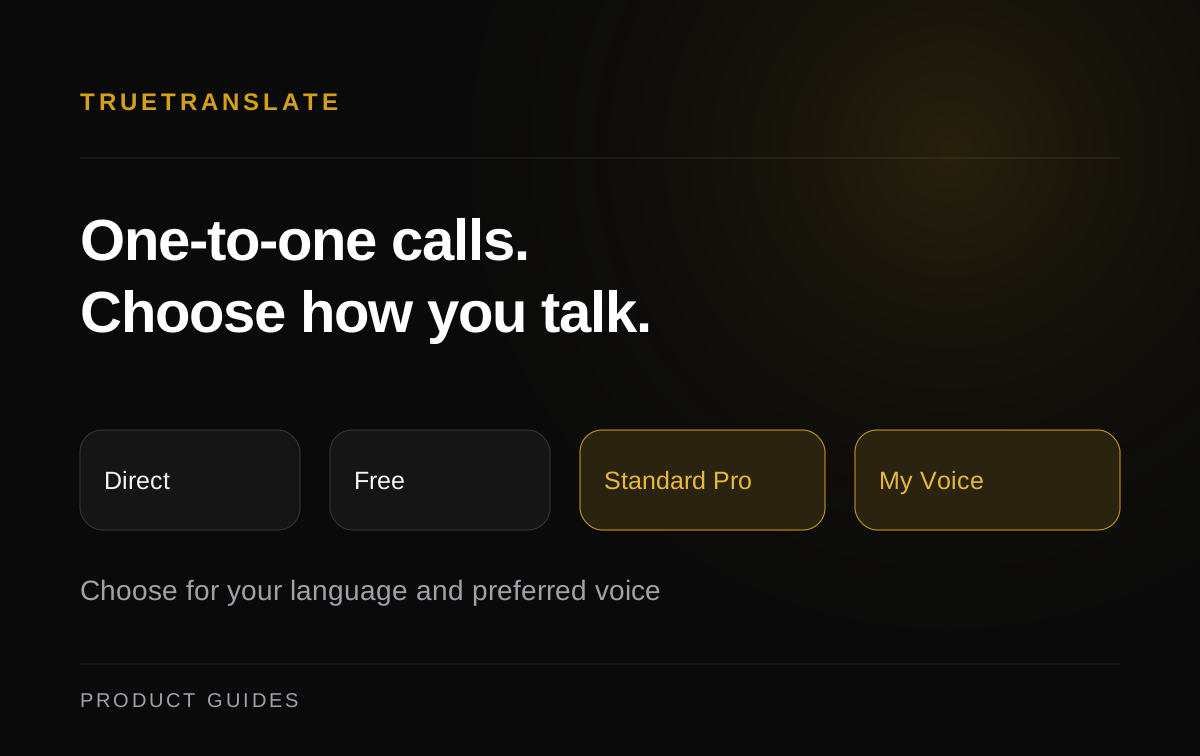
A conversation between you and one representative suits Personal calling. Where saved languages match and eligibility conditions are met, Direct carries the original voice. When interpretation is needed, check the Free or Pro options actually supported for the accounts and pair. Personal voice has additional conditions and is not a mandatory setup step for every call.
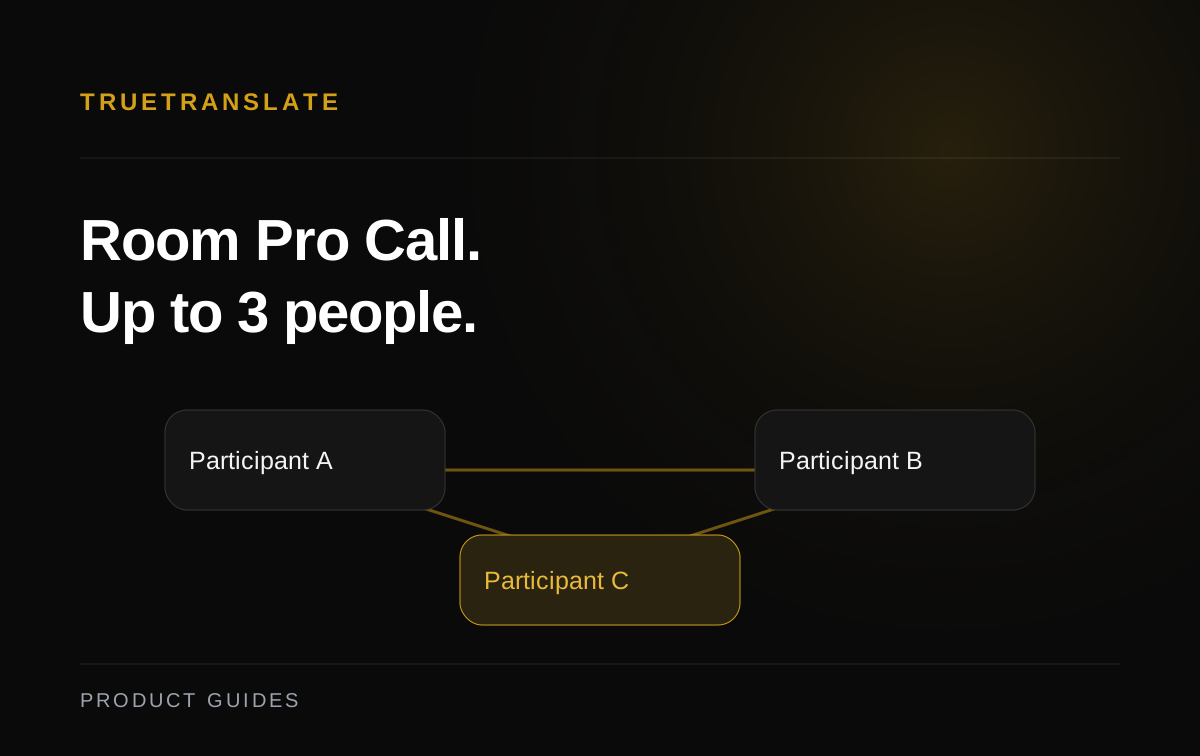
If a technical colleague must join, Room Pro Call supports up to three people including the host. When the feature is enabled, the host needs appropriate Pro access and remaining usage. Share the correct invitation, agree on roles, and check each person's opening sentence. Entering the chat room does not itself activate a microphone or begin the call.
Ask one question and allow room for clarification
Organize a turn into context, a question, and the decision you need. Avoid asking about a delivery date while also changing quantity and requesting another document. If the answer is unclear, ask about that specific point instead of repeating the entire paragraph more loudly or quickly.
Illustrative Vietnamese–English exchange.
Buyer: “Chúng tôi đang xem xét hai mươi bộ. Bạn có thể xác nhận quy cách trước khi chúng tôi chốt số lượng không?”
Partner: “Yes. I can confirm the specification first. Do you need a sample description or a final document?”
Clarification: “We need a sample description first. The quantity is still provisional, not a confirmed order.”
The objective is distinguishing a proposal from a commitment, not making every sentence longer. In a three-person discussion, name the person you are asking and let them answer. Taking turns helps everyone follow the original question before the conversation moves to another subject.
Confirm quantity, time zone, and responsibility
At the end of each subject, repeat what was agreed concretely. Include the unit: sets, individual items, or boxes. For deadlines, use a date, time, and time zone instead of “end of day” or “tomorrow morning.” When participants work in different places, do not silently assume the partner's local time.
| Item | Write explicitly | Check together |
|---|---|---|
| Quantity | 20 sets, still provisional | Confirmed or awaiting agreement? |
| Deadline | 16:00, November 20, Vietnam time | For sending the description or approving it? |
| Responsibility | Partner sends; you review | Does each side understand its action? |
| Next step | Respond after receiving the document | Where will the reply go, and who needs it? |
If an issue remains open, label it unconfirmed and name who will clarify it. A short list with accurate status is better than a polished recap that makes everything sound approved. Put item codes in writing when their pronunciation could be confused.
Write the agreement yourself and request confirmation
After the call, compose a message covering agreed points, open questions, and next actions. Translated messaging supports reading according to the recipient's account language; interface language is a separate preference. The original remains stored and may appear when translation is not ready.
Illustrative message: “Để xác nhận cuộc gọi: phía bạn gửi bản mô tả mẫu trước 16:00 ngày 20 tháng 11, giờ Việt Nam. Chúng tôi kiểm tra sau khi nhận. Số lượng 20 bộ vẫn là dự kiến. Vui lòng trả lời nếu có điểm nào chưa đúng.”
Illustrative English wording: “To confirm our call: you will send the sample description by 16:00 on November 20, Vietnam time. We will review it after receipt. The quantity of 20 sets is still provisional. Please reply if anything is incorrect.”
This is a note you write and check, not automatically generated minutes. If plans change, send a complete update instead of only saying “the following day.” Request confirmation for the points that affect what people will actually do.
Keep follow-up in the relevant Workspace channel
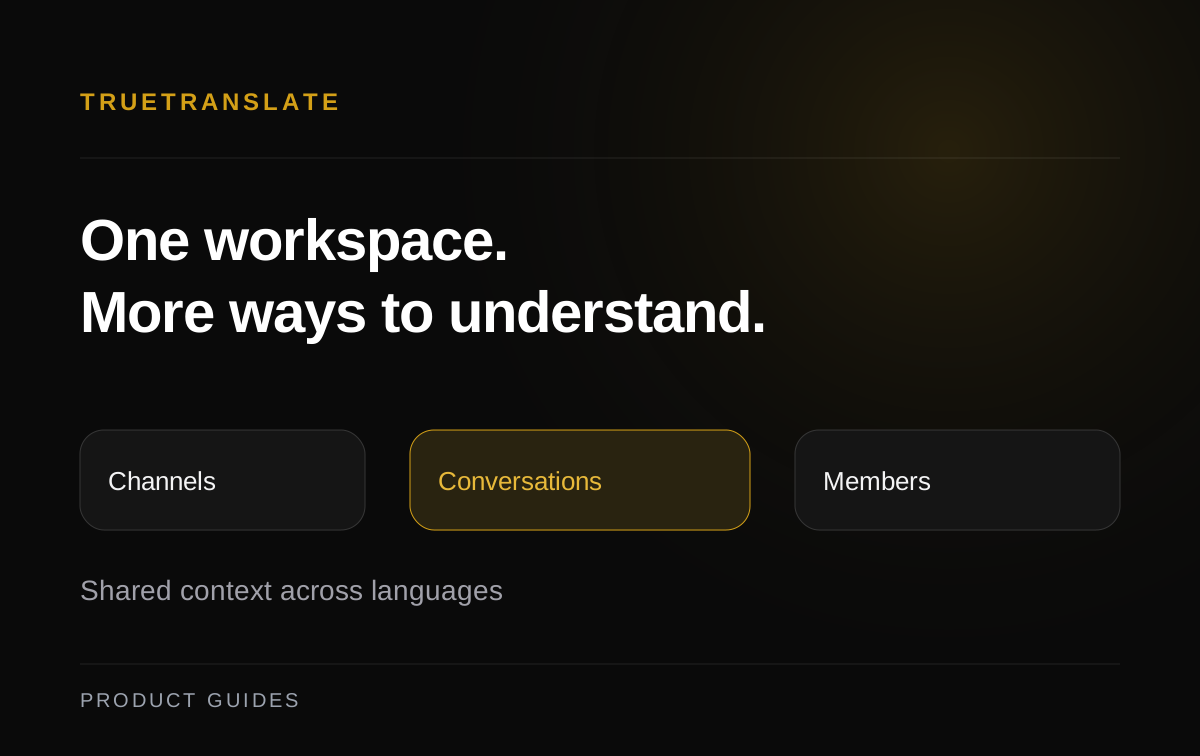
If the group works in TrueTranslate Workspace, post the agreed points in the relevant channel and keep replies in its thread. Choose a channel accessible to the intended readers. Workspace membership does not automatically give someone access to every private channel.
Name the responsible person, action, and deadline in the text you compose. A channel organizes discussion; it does not independently confirm that the partner has completed a task or turn spoken suggestions into approved decisions. Before ending, check that both sides know where the next response belongs.
Frequently asked partner-conversation questions
Can I invite a large team to Room Pro Call?
The described workflow supports at most three people, including the host. Choose the people who need to participate and check conditions before creating an invitation.
Does the app automatically generate the recap described here?
No. This guide asks you to write, review, and send the agreement yourself. Its examples do not establish automatic meeting-minutes generation.
How can I check that a partner understood a deadline?
Ask them to repeat the date, time, time zone, and required action. Retain the confirmation in chat or the appropriate Workspace thread.